Multiple Barcodes for Products - Complete Implementation Guide
Overview
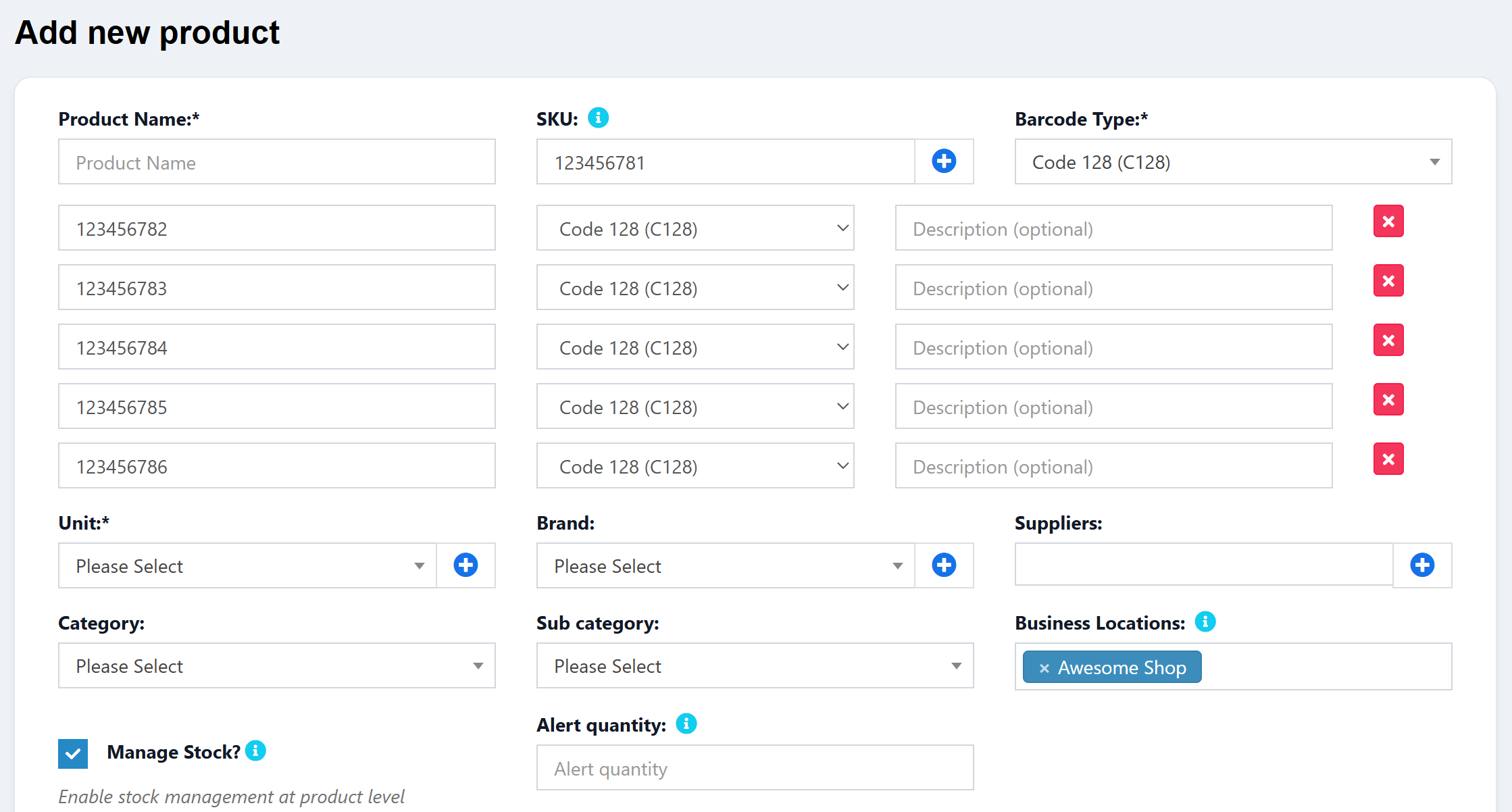
This guide will walk you through the complete process of adding multiple barcodes functionality to your Ultimate POS products. This feature allows you to:
- Assign multiple barcodes to products (in addition to the main SKU)
- Search products by any of their barcodes in POS, Purchase, and Universal Search
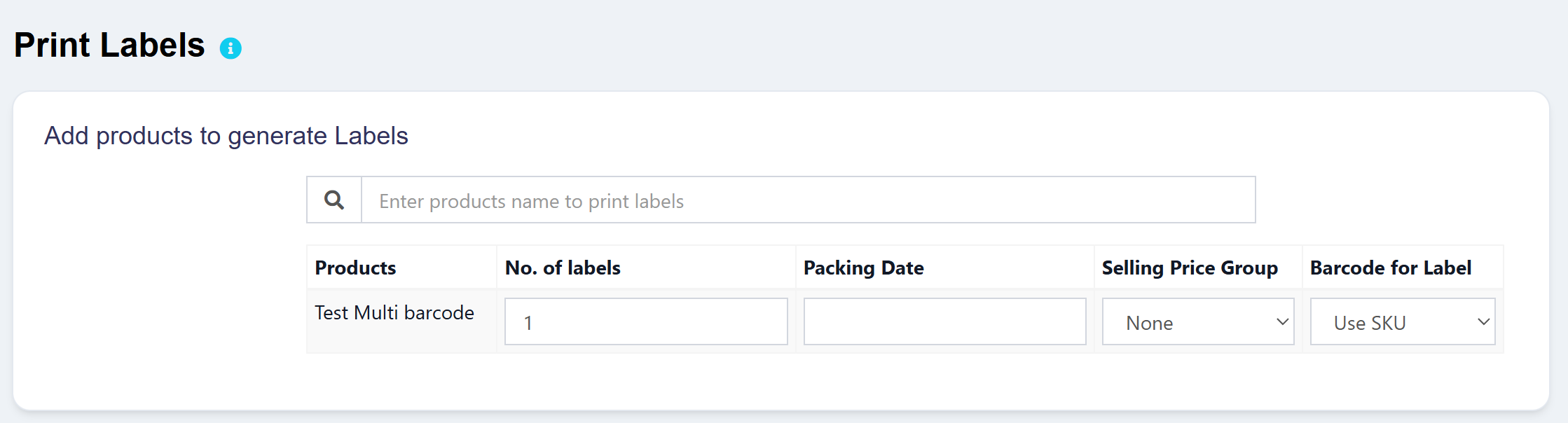
- Select which barcode to print on labels
- Support different barcode types (C128, C39, EAN-13, etc.) for each barcode
- Add optional descriptions to identify each barcode (e.g., "Supplier barcode", "Internal code")
This is useful when:
- Products come with manufacturer barcodes but you also use internal codes
- Suppliers provide their own barcode/SKU that differs from yours
- You need to support legacy barcodes after rebranding

Download
Loading...
💛 Support this project