Stop fearing the next server crash.
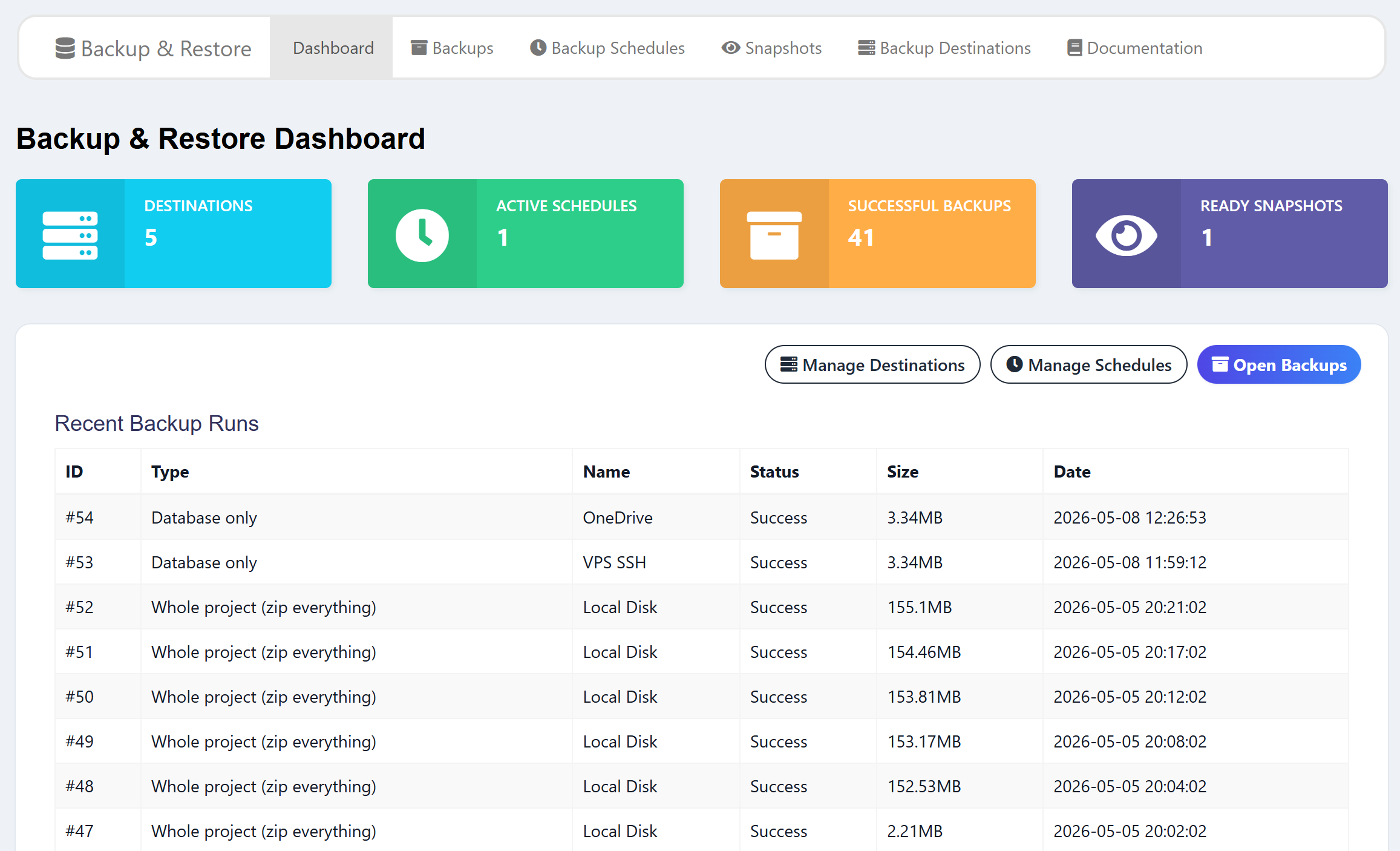
Automatic scheduled backups and one-click restore for Ultimate POS — to Local, S3, Google Drive, Dropbox, OneDrive, or SFTP.
One-time payment · Lifetime updates · Single domain license
Buy now with PayPal
✓ 7-day money-back guarantee — no questions asked
The problem
A POS server going down is not a "deal with it tomorrow" problem — it's lost sales, frozen registers, and a panicked phone call. Most Ultimate POS installs have no real backup strategy: maybe a manual SQL dump every few weeks, no off-site copy, and no tested way to actually restore when something goes wrong. By the time you realize the disk is corrupt, last month's invoices are already gone.
What you get
Automatic scheduled backups
Set a cron schedule once. Backups run on their own, every night or every hour — whatever you choose.
One-click restore
Pick a backup, pick what to restore, hit go. Live job status while it runs.
6 storage destinations
Local disk, Amazon S3, Google Drive, Dropbox, OneDrive, or SFTP. Test the connection before saving.
Database, files, or full archive
Back up just the database, just the uploaded files, or a full project ZIP — your call.
Per-business (multi-tenant) mode
Superadmin tab lets you back up or restore a single business in isolation — sibling tenants are not touched.
Snapshot viewer
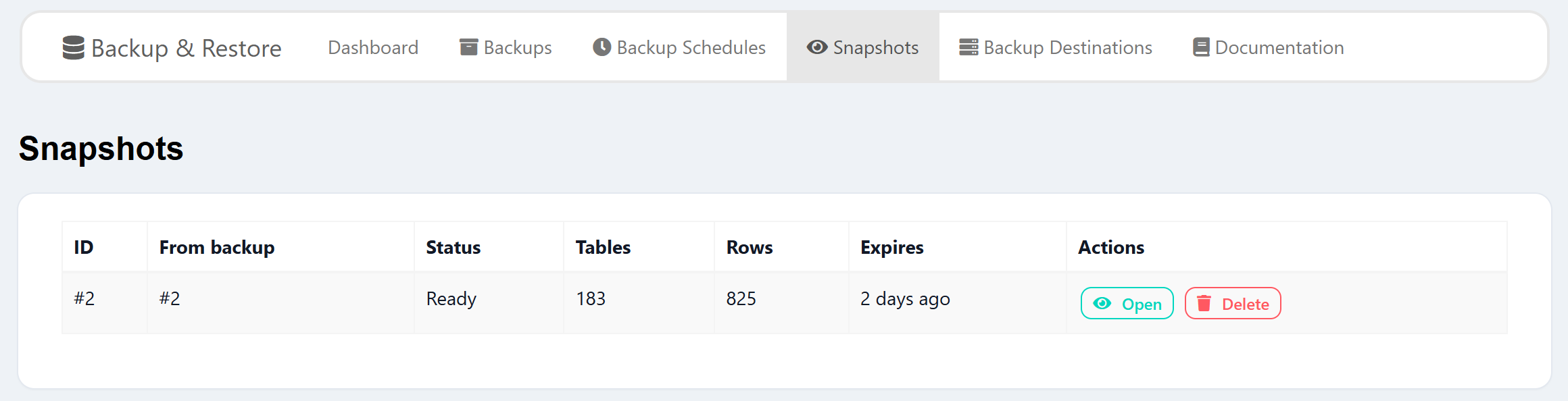
Browse any past snapshot table-by-table. See added/deleted rows vs. current DB, export, or copy as SQL.
Screenshots
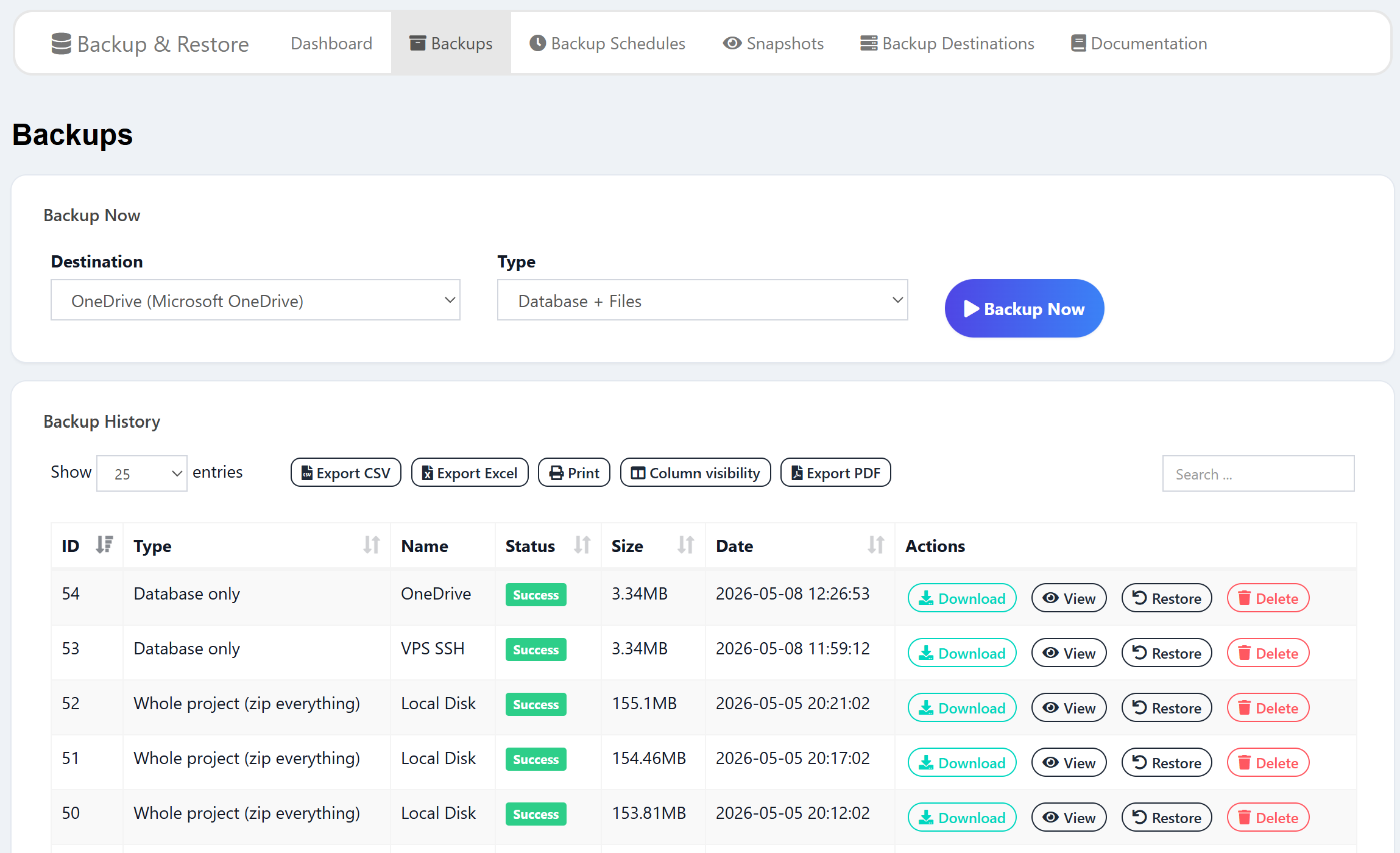
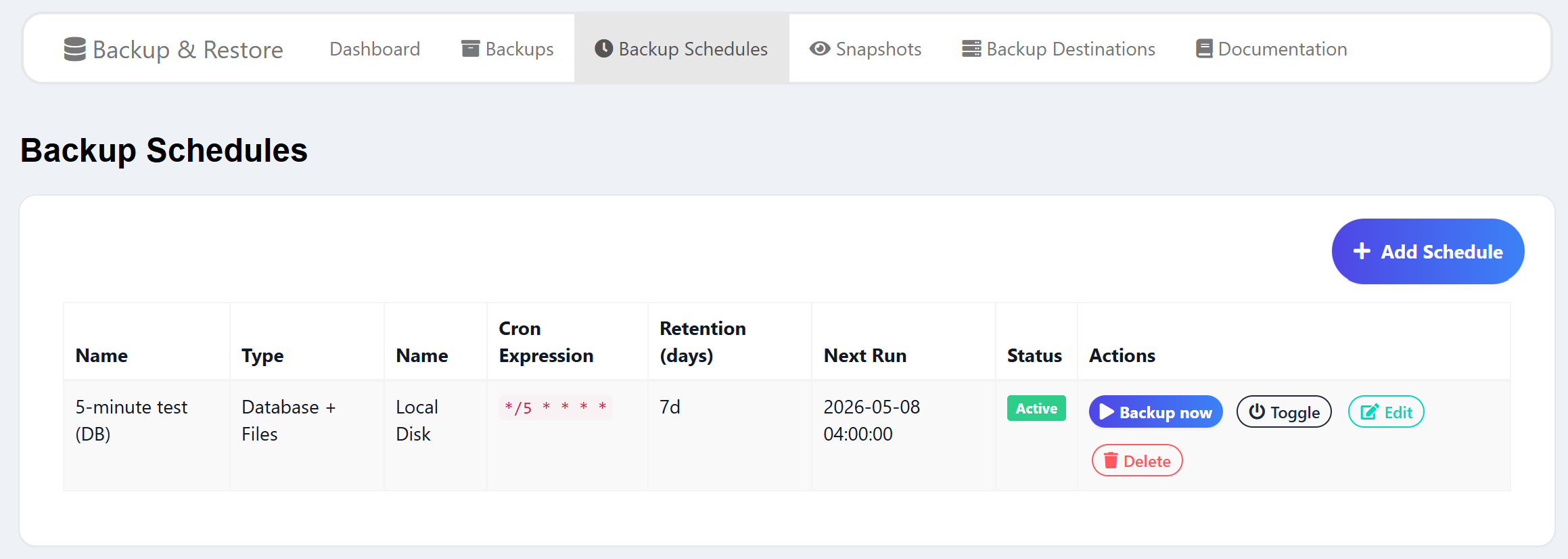
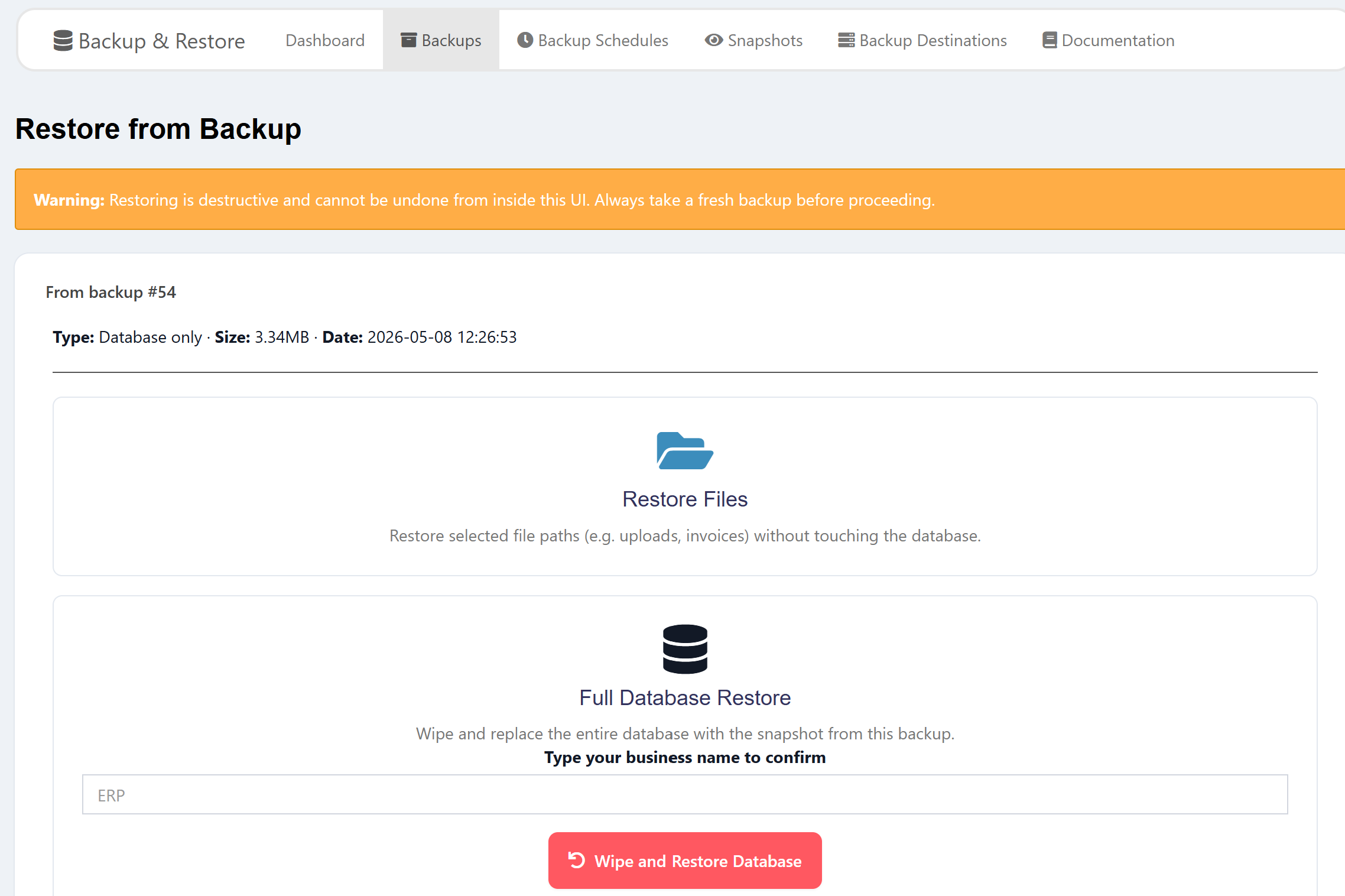
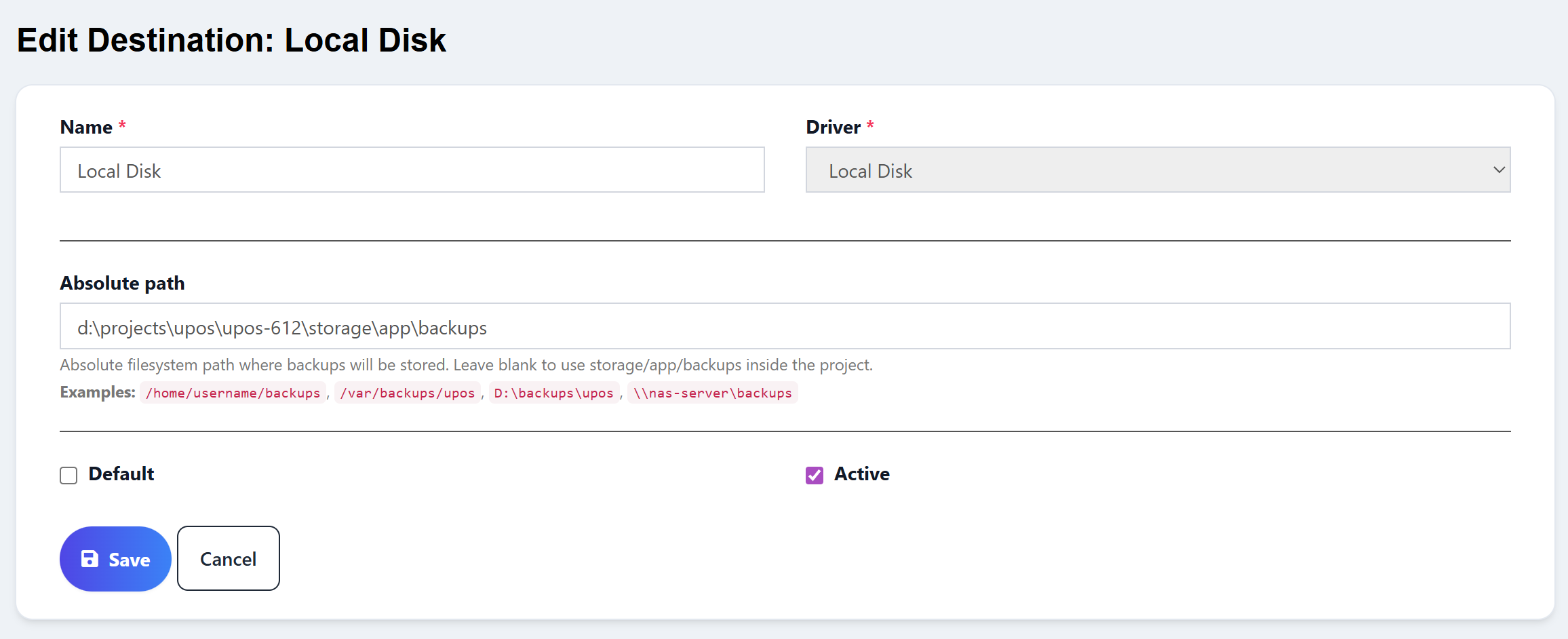
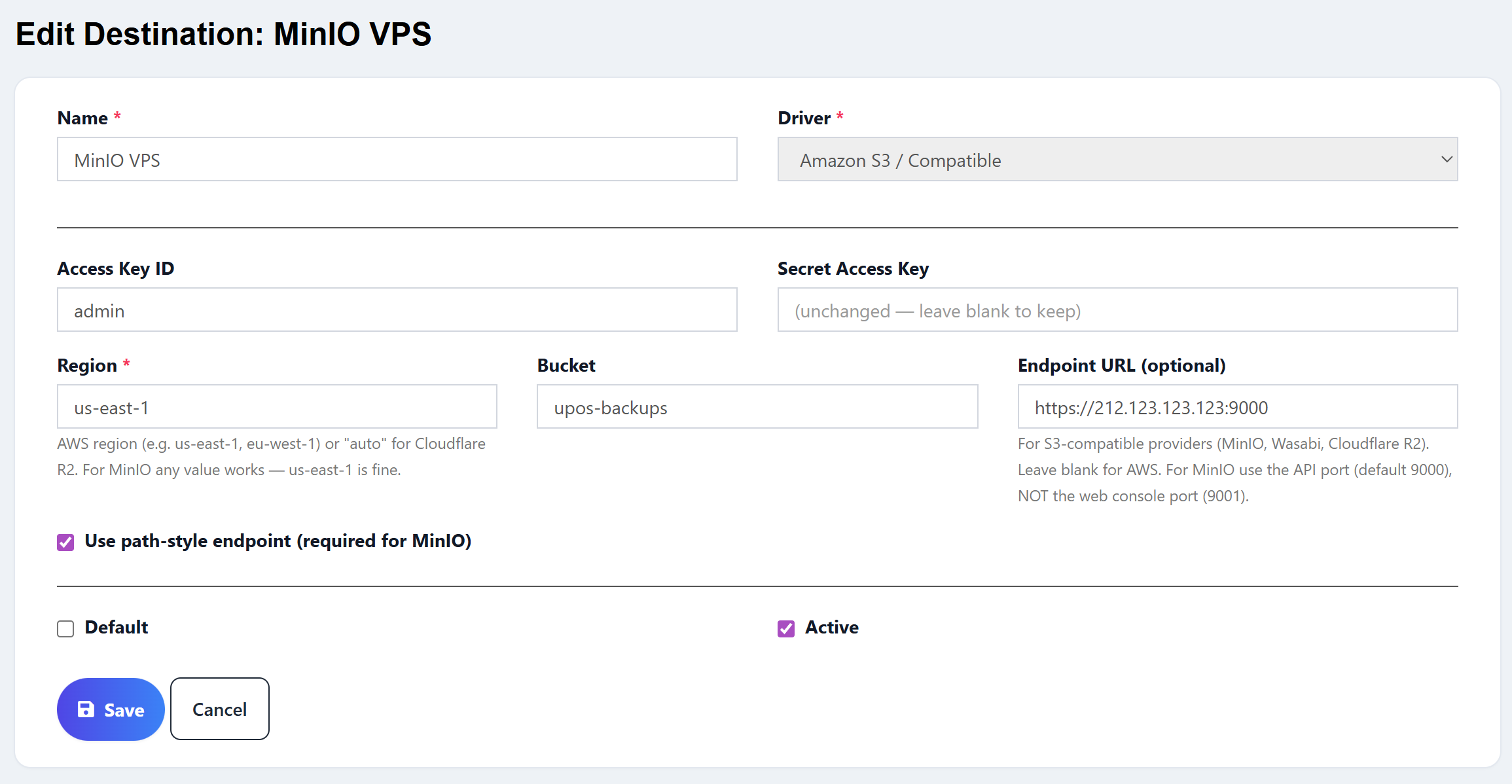
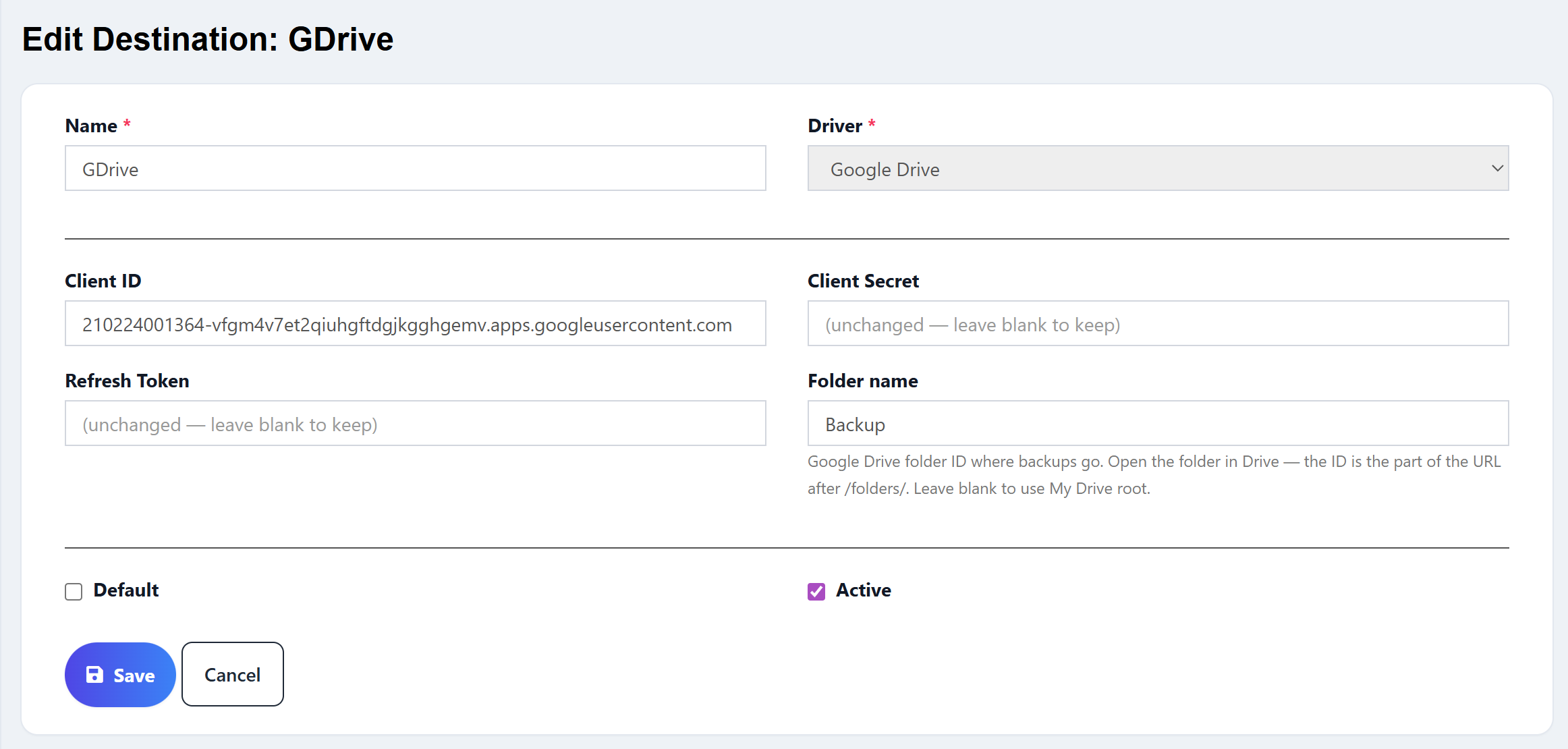
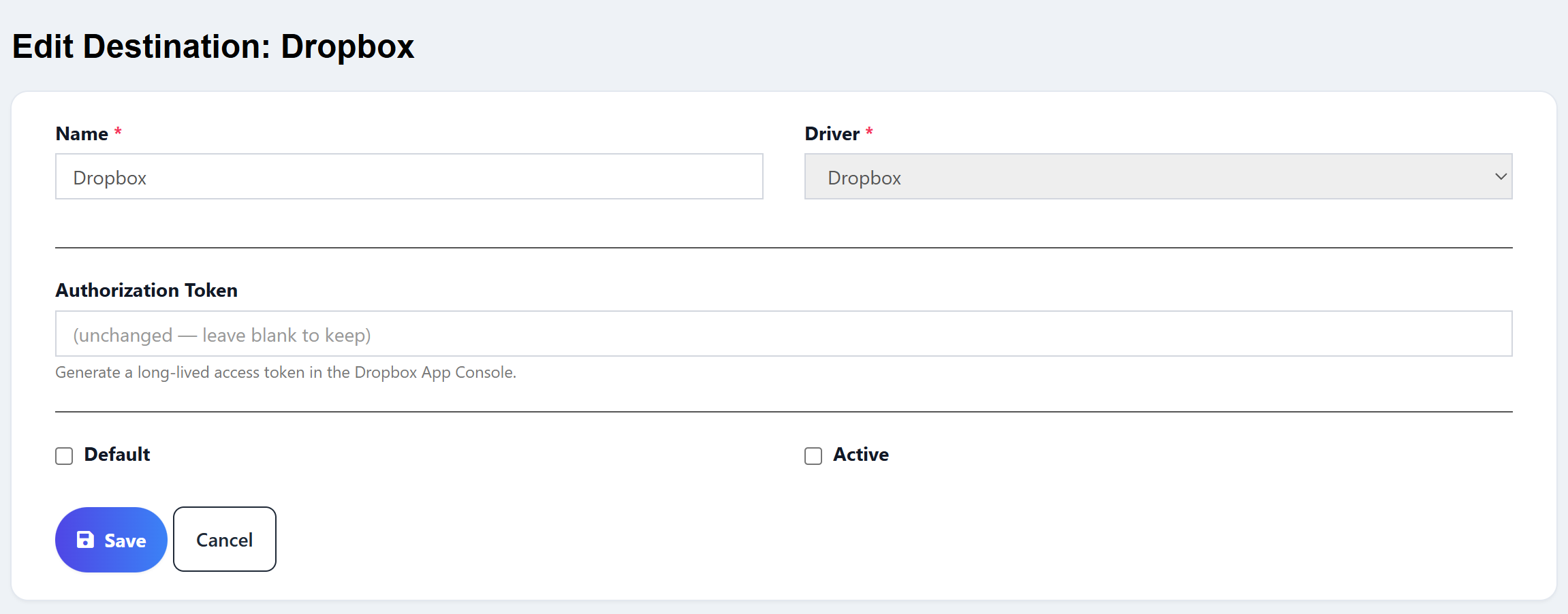
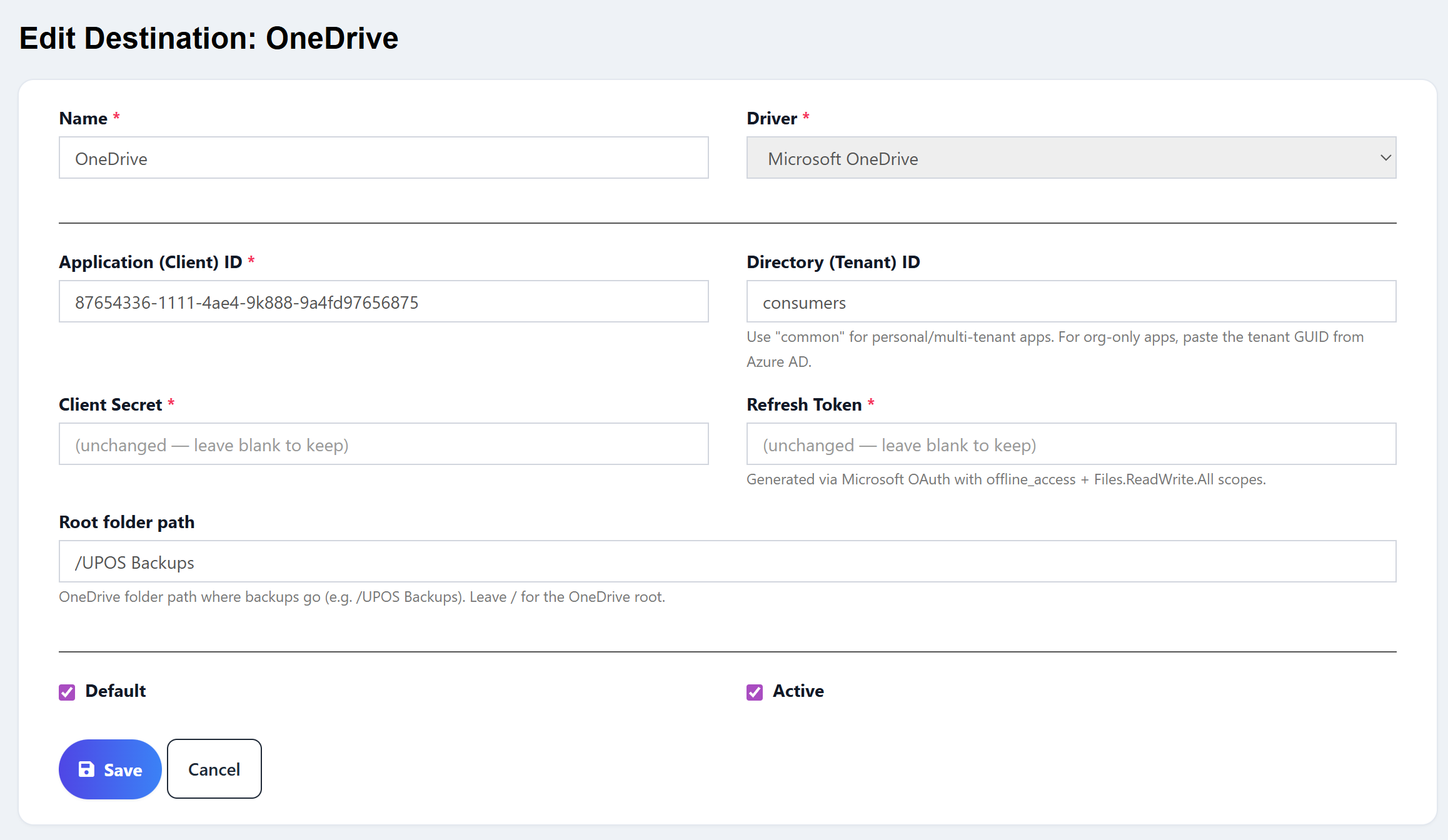
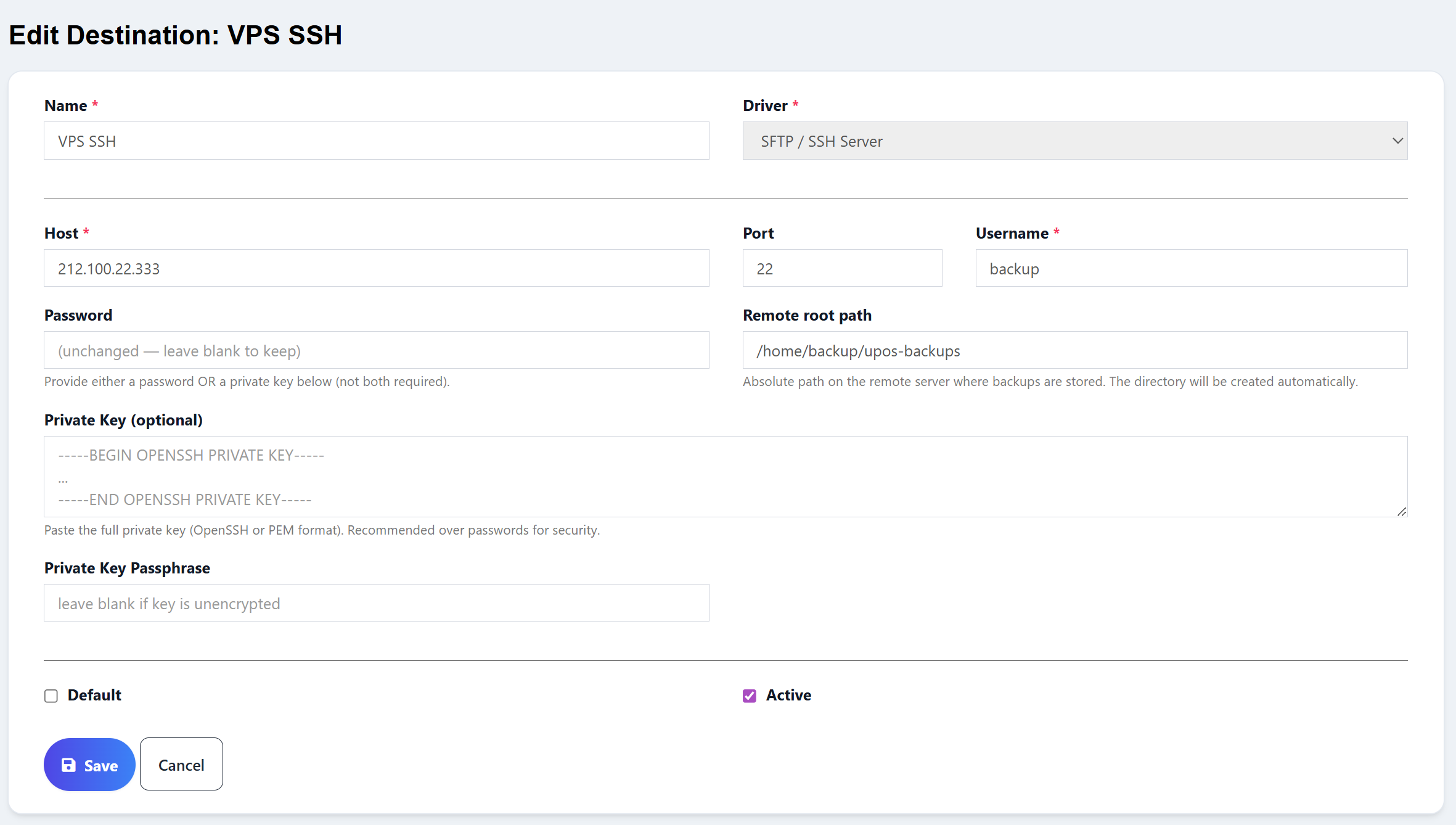
All 6 storage destinations
Pick whichever you already use — the form adapts to each provider.
How it works
Drop the module into Modules/, run the installer, done.
Add a storage destination (S3, Drive, etc.), pick a schedule, test the connection.
Backups run on their own. When you need a restore, the wizard handles it.
What's included
- Backup & Restore module ZIP
- Step-by-step installation guide
- Lifetime updates
- Single-domain license
- Email support
Requirements
- Ultimate POS version 6.12 and above
- PHP 8.1+
- PHP
zipextension enabled (for ZIP archives) - Laravel queue worker running (for scheduled backups)
- Cron entry running Laravel's scheduler (for automatic schedule dispatch)
FAQ
Do you offer refunds?
Yes — 7-day money-back guarantee, no questions asked. Email me within 7 days of purchase and I'll refund you.
Can I use it on more than one domain?
The base license covers one domain. If you need it on multiple installs, contact me for a multi-domain license.
Do I get updates?
Yes — lifetime updates are included. When I push a new version, you get it.
How fast is support?
I usually reply within 24 hours on business days. Support is by email.
Do I get the source code?
Yes — the module is delivered as a standard Laravel module folder. You can read and modify the PHP source for your own install.
Ready to sleep easier?
One-time payment · Lifetime updates · Single domain license
Buy now with PayPal
✓ 7-day money-back guarantee
Questions? Email horizonsoft.group@gmail.com or chat on WhatsApp (+212 650-433905)
Not ready to buy?
Get free Ultimate POS tutorials in your inbox.
Create a free account